
Evaluating tone and emotional signals in messages before sending is unreliable with current tools. Most AI tone detectors either force cloud uploads or lack real-time feedback and integration with common meeting or messaging apps. This comparison covers pricing, privacy, and coaching style across five communication coaching software options, so professionals can pick one that matches their privacy and workflow needs.
Table of Contents
Ghost Text
At a Glance
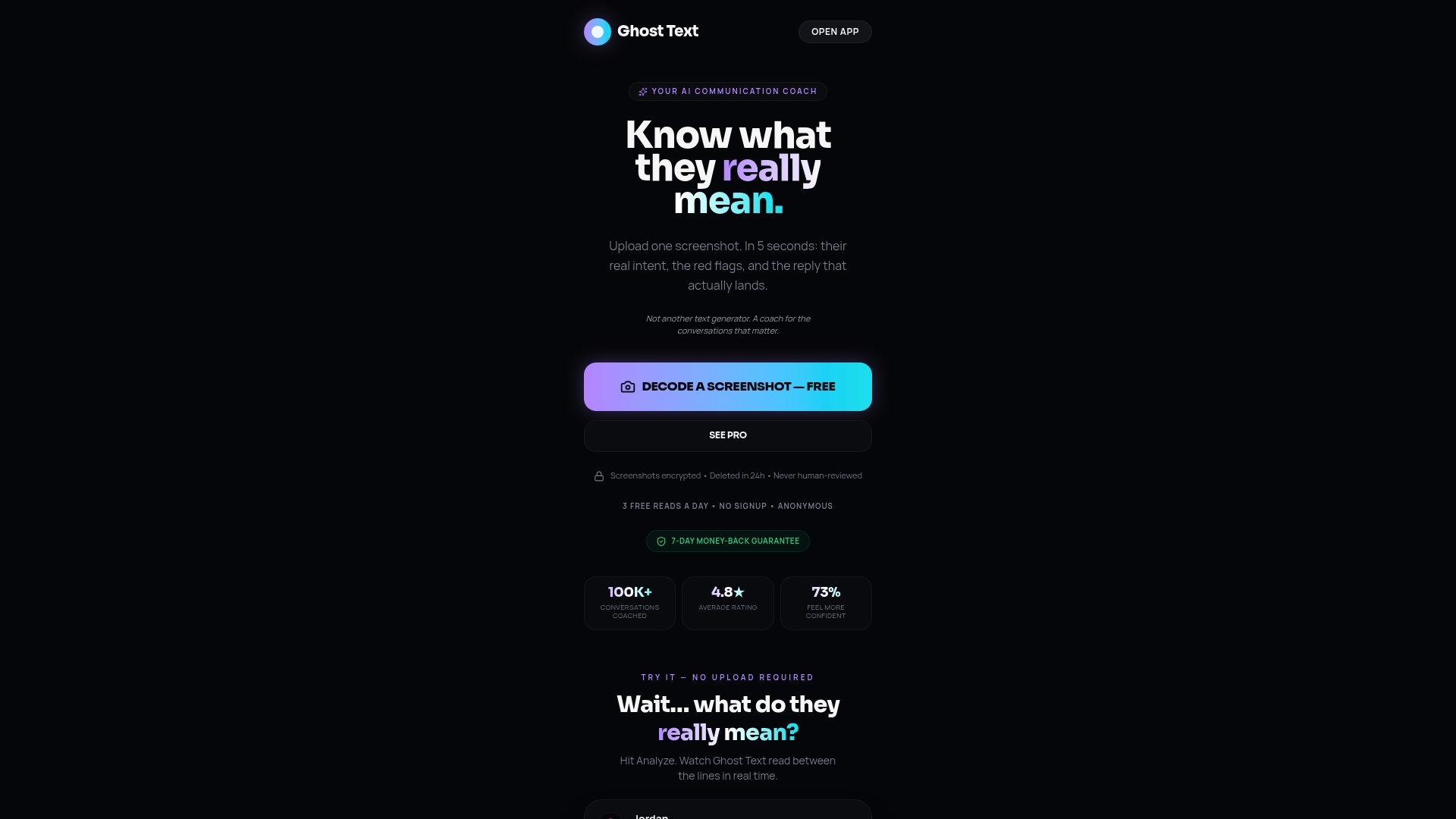
Anonymous, no-signup access and a free tier let you analyze conversation screenshots without creating an account. The tool flags red flags like gaslighting, scores interest and engagement, and offers suggested replies. It focuses on personal and dating messages where tone and subtext matter most.
Core Features
Ghost Text analyzes uploaded conversation screenshots and returns emotional cues, inferred intent, and red flag warnings. The engine scores interest and engagement and highlights risky or regretful phrasing. The Pro version adds reply rewrites and response crafting tools so you can choose a polished reply rather than guess at tone.
Key Differentiator
Ghost Text decodes hidden meanings and emotional signals in personal messages using AI models tuned for conversational subtext. That focus on red flags and subtle cues separates it from general sentiment tools that only report positive or negative tone. The output pairs detection with concrete reply options to help you act on the analysis.
Pros
The vendor reports a 4.8-star rating, which suggests strong user satisfaction. Ghost Text helps people avoid miscommunication by pointing out manipulative language and emotional signals. It supports quick uploads of screenshots so you can get feedback before replying. The free tier plus anonymous access lowers friction for testing the tool without committing to an account.
Cons
- Requires manual screenshot upload and does not integrate with live messaging apps, so you must copy conversations manually.
Who It's For
Individuals who want clearer signals from dating and personal texts will find this useful. People worried about sending regretful replies benefit from the suggested rewrites. Anyone who prefers testing a tool anonymously will like the free, no-signup access.
Unique Value Proposition
Anonymous, no-signup analysis plus a short Pro trial means you can validate how the tool reads your messages before paying. That makes it practical for someone who only wants help on a handful of sensitive conversations. The combination reduces the barrier to trying a tone detector on real messages.
Real World Use Case
A person receives a tense message from a romantic interest and uploads a screenshot. Ghost Text highlights emotional cues, flags possible manipulation, and suggests three reply rewrites. The user selects a calm, clear response and avoids an impulsive message.
Pricing
Monthly plans start at $14.99. Annual billing is $89 per year, which works out to about $7.42 per month. A 7-day free trial is available for the Pro tier.
Website: https://ghosttextai.com
Poised
At a Glance
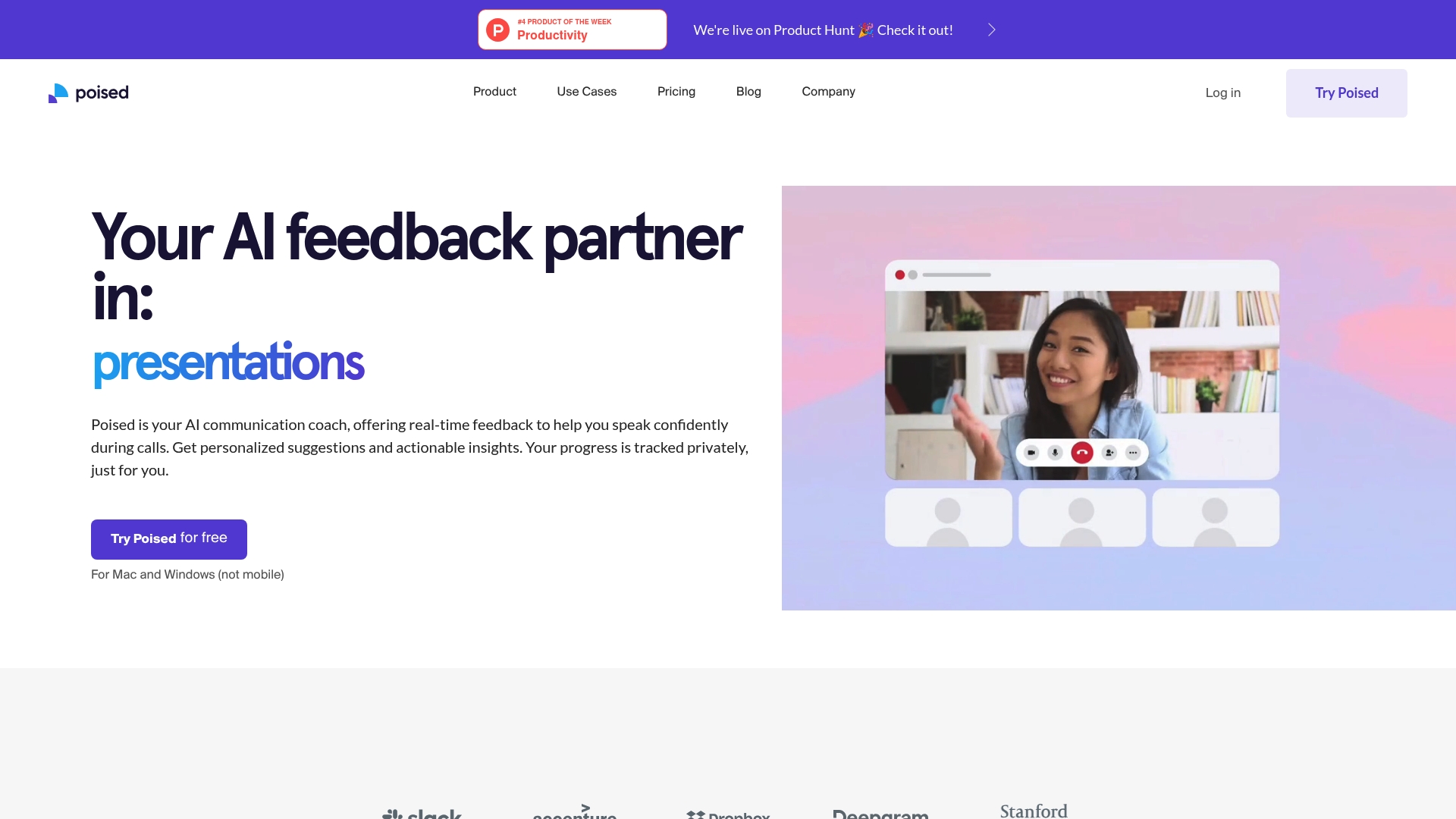
Integrates with over 800 communication tools and gives live coaching while you speak. Poised listens during calls and flags filler words, energy shifts, and confidence cues in real time. The product targets professionals who want measurable speaking improvements across meetings and teams.
Core Features
Poised delivers real time feedback during online meetings, tracking filler words, speaking energy, and confidence so you can adjust in the moment. It captures meeting notes and generates auto summaries with action items for follow up. The platform also offers speech analysis and analytics to show trends over time and across teams.
Key Differentiator
Poised focuses on in-call guidance rather than only end of meeting reports. That emphasis on immediate, behavior level signals helps you correct patterns while they occur. Teams that practice live delivery will find its real time focus especially useful.
Pros
Poised makes live speaking feedback accessible during common meeting tools, which reduces guesswork about how you sounded. The product records trends so you can track progress against speaking goals over weeks and months. Setup and daily use are described as straightforward, and the platform supports both Mac and Windows which covers typical office environments.
Cons
- Limited export and transcript options make deep record keeping harder for compliance or archival needs.
- Historical search slows down when you manage many meeting records, which complicates research across large teams.
- Reporting for big picture analysis is thin, so teams that need complex dashboards will feel constrained.
- There is no free tier with full features, which raises the cost barrier for occasional users.
When It May Not Fit
If your workflow needs searchable, downloadable transcripts for every meeting, Poised will feel limiting. Large enterprises that need heavy historical analytics or rapid search across thousands of meetings may outgrow its current reporting. Organizations requiring extensive export capabilities will need a different solution.
Notable Integrations
Poised connects to Zoom, Google Meet, Slack, and Microsoft Teams. Those integrations let coaching run inside the meeting tools you already use.
Who It's For
Professionals who do frequent video calls and want to improve presentation and meeting performance. Ideal users include product managers, executives, salespeople, educators, and anyone preparing for interviews or leadership conversations.
Real World Use Case
A sales team rehearses pitches in a shared meeting room and uses Poised to flag persuasion cues and reduce filler words. The team reviews summaries after practice sessions and adjusts phrasing, which tightens delivery for live client calls.
Pricing
Pricing mixes free and paid tiers with team options. The vendor lists Free, Pro at $19/month or $13/month billed annually, and Team with custom pricing. The product notes additional labels such as Starter free and Team at $12/member/month in some offers.
Website: https://poised.com
Nūr
At a Glance
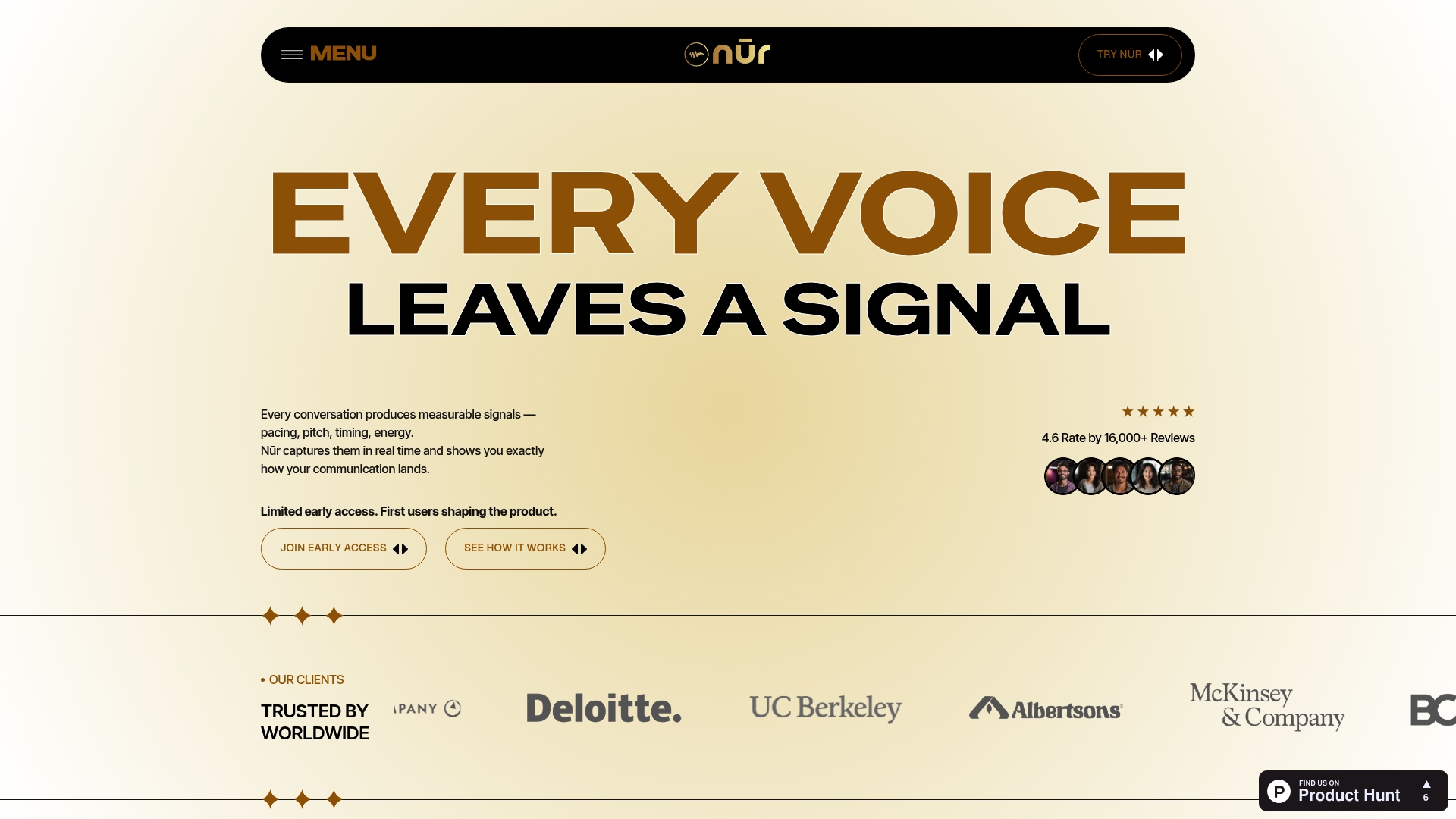
Measures and visualizes how you speak, capturing pacing, pitch, timing, and energy in real time. For people comparing ai tone detector alternatives, Nūr combines voice signal analysis with coaching and meeting integrations. The result is a view of speaking behavior you can track session to session.
Core Features
Nūr performs real time voice signal analysis that flags pacing, pitch, and vocal energy while you speak. It pairs those signals with AI coaching and tailored feedback so you get concrete suggestions after conversations. The platform also records conversation highlights and offers longitudinal tracking to show trends over weeks and months.
Key Differentiator
Nūr rests on scientific speech analysis techniques that map prosody and vocal affect into measurable metrics. That approach focuses on voice physiology and behavioral markers rather than keyword matching. For people who want numbers and trends about how they sound, this analytic foundation makes the product distinct.
Pros
Nūr helps you understand speaking style objectively by converting voice signals into clear metrics you can review. You receive feedback during calls so you can correct pacing or energy immediately. The tool supports long term progress tracking and exports conversation highlights that make practice efficient. Integrations with major meeting platforms let you use these features inside the apps you already open for work.
Cons
- Limited independent third party reviews exist, so customer sentiment is not well established.
- Features may require adaptation for different languages or accents, which could reduce accuracy for some speakers.
- Hardware quality and background noise can affect signal accuracy, so results vary by environment and microphone.
When It May Not Fit
If you need validated user ratings and broad social proof, this product may not satisfy you because reviews are sparse. If most of your calls use niche conferencing tools outside the supported list, integration work will be required. If you cannot control room acoustics or microphone quality, the signal analysis will deliver less reliable feedback.
Notable Integrations
- Zoom
- Microsoft Teams
- Slack
- Google Meet
Who It's For
This suits professionals who want to improve spoken presence with measurable data. Executives, salespeople, teachers, and coaches who give frequent presentations will get the most value. If you want to see how pacing and energy change across months, this product maps those trends for you.
Real World Use Case
A sales executive runs calls through Nūr to refine pitch delivery and receives coaching on pacing and emphasis during live conversations. They save highlight clips and review weekly trend reports to adjust script timing and vocal energy. Over time they track whether changes stick.
Pricing
Pricing is not publicly listed. The vendor appears to offer subscription or custom plans rather than a single public price, so organizations should request a quote for team deployments.
Website: https://mynur.ai
IntenCheck
At a Glance
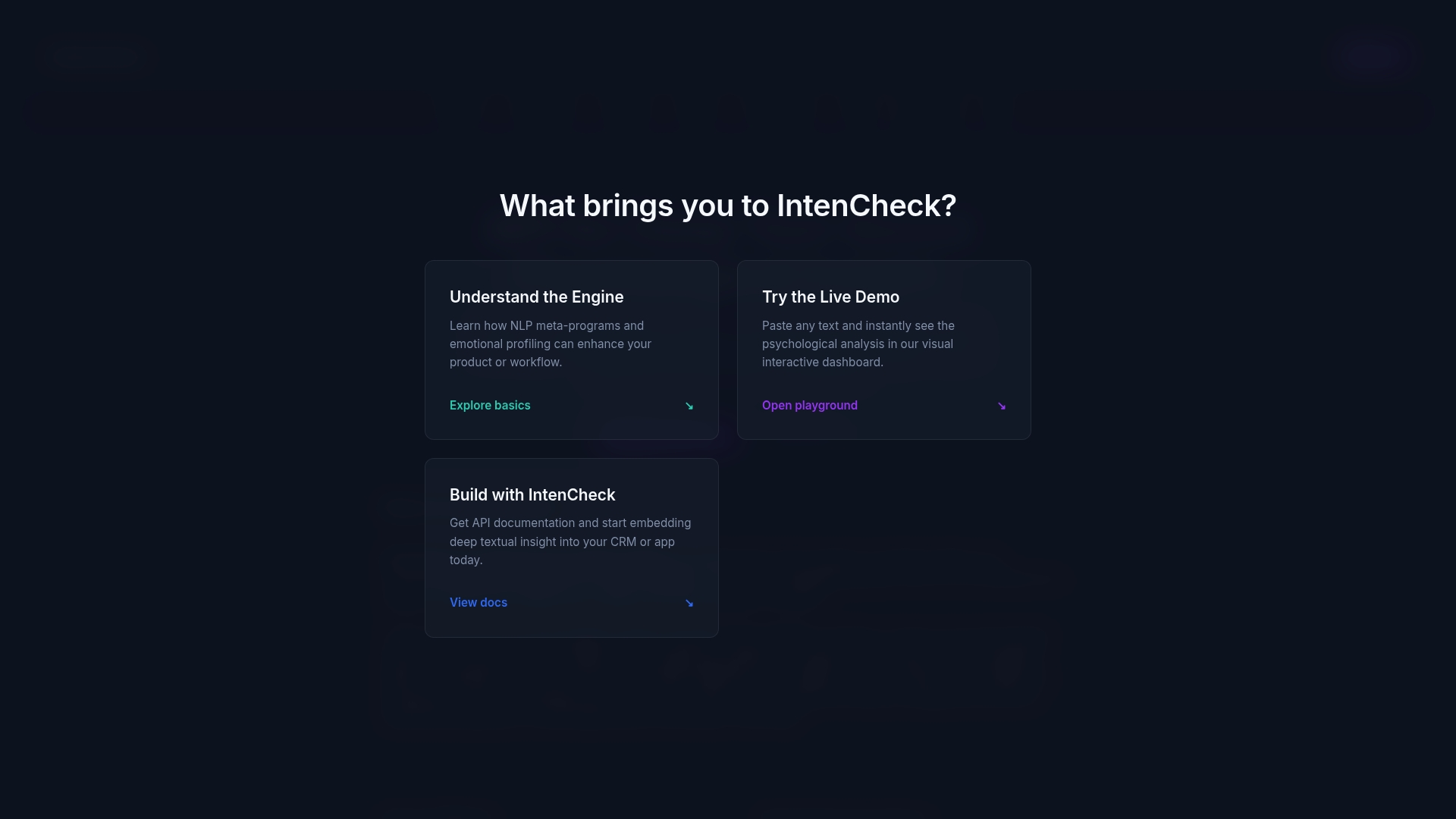
The API uses a language-agnostic model and offers pay as you go pricing at €5 per 1,000 words. As an ai tone detector alternative, IntenCheck surfaces both meta-program patterns and discrete emotions from text. The vendor advertises a free trial and entry plans starting at €9 per month, which makes early testing low cost.
Core Features
IntenCheck returns structured JSON that maps NLP meta-program detection and emotion recognition into labeled fields for downstream logic. The engine also reports background mood profiling, emotional communication style, and verbal style analysis in a single response. Teams can call the API for real-time scoring, segmentation, or personalization workflows.
Key Differentiator
The standout claim is language-agnostic deep text analysis that layers psychological constructs above plain sentiment. That approach aims to detect toward versus away orientation, internal versus external frames, and other meta-programs while also flagging discrete emotions. This layering helps match routing, reply templates, or agent coaching to both intent and underlying mindset.
Pros
The product emphasizes an API-first architecture with scalable endpoints and security safeguards, which fits engineering-driven teams. It covers multiple languages and offers multi-layered psychological outputs from meta-programs to verbal style, so you can segment messages by mindset and tone in one pass. The vendor reports a free trial and flexible subscription models, including pay as you go, which lowers the barrier to validate accuracy and integration.
Cons
-
Limited public third-party reviews exist for this URL, so independent user satisfaction is not well documented.
-
No detailed external feedback is available about integration ease or support responsiveness, so integration risk remains for some teams.
-
The product is described as API-first, which means nontechnical teams may need developer help to realize value.
When It May Not Fit
If you need a polished no-code dashboard for business users, this offering may not match your needs because the emphasis is on API integration. Organizations that require broad independent validation before procurement will find public reviews sparse. Teams without developer bandwidth should plan for engineering involvement or look for a turnkey solution.
Who It's For
Developers and product teams that want to embed psychological and emotional signals into customer service, marketing, or HR workflows will benefit most. The offering suits teams that can map JSON outputs to routing rules, agent prompts, or campaign segmentation. It is less suited for stakeholders who expect a plug-and-play web app without engineering support.
Real World Use Case
A customer service platform calls IntenCheck on incoming messages. The API labels a message as anxious and solution-focused, so the system elevates it to a trained agent and offers a calming response template. That flow reduces misrouted tickets and helps agents choose tone-matched replies.
Pricing
Pricing begins with a free trial at no cost and paid plans starting at €9/month for 5,000 words. Higher fixed tiers include €29/month for 25,000 words and €79/month for 100,000 words. The vendor also offers a pay as you go option priced at €5 per 1,000 words.
Website: https://intencheck.com
Tonely
At a Glance
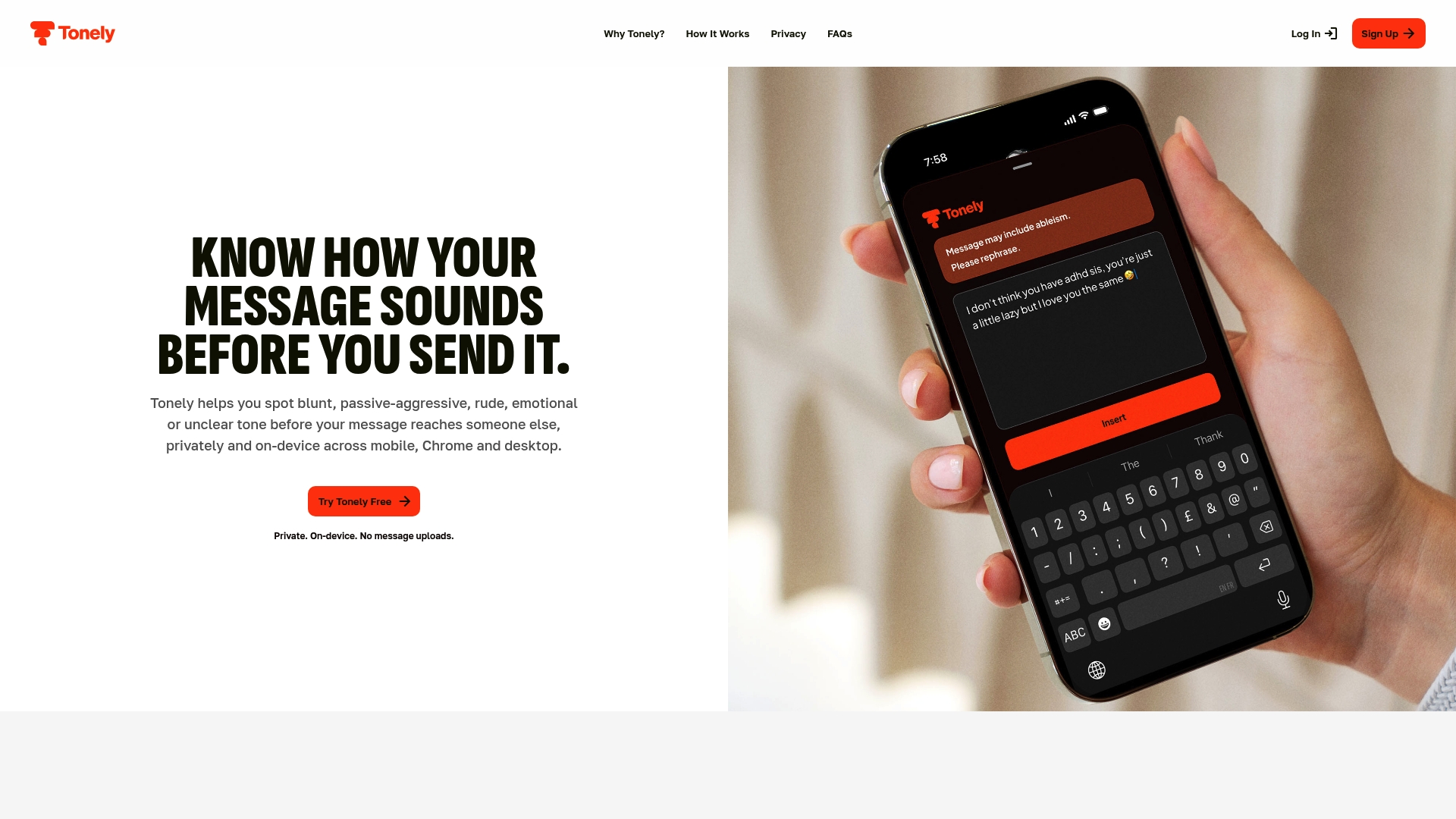
Runs entirely on-device without uploading messages, and, keeping tone analysis local to your phone or computer. Tonely delivers short, reflective feedback rather than rewriting your text. It flags aggression, sarcasm, ableism, and supportive cues across mobile, browser, and desktop environments.
Core Features
Tonely performs on-device tone detection and returns quick, one-line feedback so you can pause before you send a message. It recognizes a range of communication patterns including aggression, sarcasm, ableism, and supportive signals, and it offers multiple personalities for feedback such as formal, supportive, direct, and friendly. The app family covers iOS, Android, Chrome, Mac, and Windows so feedback appears where you type.
Key Differentiator
Tonely runs its analysis entirely on your device, so text never transfers to external servers. That architecture prioritizes privacy and keeps sensitive workplace or family messages out of cloud logs. The real-time local checks let you reflect on tone without sacrificing control of your words.
Pros
Because processing happens locally, Tonely reduces the risk of exposing sensitive content when you write about work or personal matters. It nudges you with short feedback instead of rewriting, which helps you keep your voice while spotting tone problems before sending. The multiple feedback styles let you switch from a formal suggestion for email to a friendlier nudge for casual chats. Cross-platform availability means the same tone guard shows up in your browser, phone, and desktop apps.
Cons
- No third-party reviews are available, so independent usability and effectiveness reports are limited.
- It does not offer spelling or grammar correction, so you will need a separate tool for copy editing.
- Tonely only nudges and reflects on tone rather than generating rewritten alternatives, which some people prefer.
When It May Not Fit
If you want automatic message rewriting or AI-generated alternatives, this product will disappoint because it focuses on reflection rather than editing. If you need grammar and spelling correction, Tonely does not provide those features and requires a separate editor. Teams that need server-side logging or analytics will not get that from an on-device only design.
Notable Integrations
Available as a Chrome extension and native iOS app and Android app, plus desktop applications for Mac and Windows. These clients bring the same local tone checks into browser, mobile, and desktop typing flows.
Who It's For
You if private, real-time tone feedback matters and you prefer to keep messages off external servers. It fits professionals handling sensitive email, people who post publicly and want a pre-posting check, and anyone who values preserving their own wording while avoiding tone mistakes. It also suits readers who prefer short nudges over automated rewriting.
Real World Use Case
A remote worker drafts a sensitive email about a performance issue and uses Tonely to check tone before sending. The app flags a sentence as blunt and offers a direct feedback style that softens phrasing without rewriting it. The worker sends a clearer, kinder message while keeping their original voice.
Website: https://usetonely.ai
Comparison of alternatives
Ghost Text excels in providing nuanced emotional analysis and insights for personal and dating messages, catering specifically to individual communication contexts. Competing alternatives offer distinct advantages in other aspects of communication coaching software, tailored to requirements ranging from professional feedback to scalable API integrations.
Personal Messaging Analysis
Ghost Text dominates in addressing tone within personal and dating communication. Unlike general AI sentiment tools, it identifies manipulative language and suggests polished replies based on its interpretation of subtext. For professionals, tools like Poised and Nūr provide metrics related to energy and pacing, but their benefits align more strongly with workplace scenarios than personal interaction.
Privacy and Integration
Ghost Text’s anonymous access and local screenshot uploads prioritize user privacy. In contrast, Tonely’s on-device analysis ensures no messages leave your device, providing a similar commitment to data security but focusing on reflective feedback without rewriting text. API-first tools such as IntenCheck cater more to integration into custom workflows than individual user privacy.
Best fit
- Individuals seeking targeted emotional signals and subtext analysis in personal conversations benefit most from Ghost Text’s red flag detection and suggested reply rewrites.
- Professionals requiring direct feedback during live meetings will find Poised to be the choice due to its specialized integrations and real-time coaching.
- Developers looking for a scalable API to integrate deep emotional analysis into workflows should consider IntenCheck for its layered NLP metadata capabilities.
- Privacy-focused users valuing non-cloud local processing will appreciate Tonely’s on-device reflective feedback solution.
Our pick
Ghost Text is the best choice for users who want insights to improve their handling of personal and dating messages without compromising anonymity. Its ability to decode emotional subtext and flag manipulative language provides substantial value in interpersonal communication contexts. Nevertheless, individuals requiring professional speaking feedback during live video calls may benefit more from specialized tools like Poised.
Finding the best platform depends on choosing one that aligns with your focus, whether messaging nuance, live coaching, or privacy-first analysis.
| Product | Core Feature | Key Differentiator | Pricing | Notable Limitation |
|---|---|---|---|---|
| Ghosttextai | Screenshot analysis with engagement and risks | Focuses on personal tone and red flags | $14.99/month, $89/year | Manual screenshot upload required |
| Poised | Real-time live call tone and confidence guidance | Offers live, in-call coaching | Free to $19/month | Reporting features are limited |
| Nūr | Real-time prosody and vocal signal analysis | Emphasizes scientific measurement | Price not published | Limited support for uncommon conferencing tools |
| IntenCheck | API for meta-program emotion layering | Outputs mindset and emotion-rich JSON | €9/month, pay-as-you-go | Focused on integrations, not dashboard use |
| Tonely | On-device tone detection with private feedback | Maintains analysis entirely on device | Free and paid options | Doesn't rewrite or correct language errors |
How Can You Decode Tone and Intent in Your Messages Accurately?
Understanding the true emotion behind personal or dating messages often feels difficult. People want to avoid misunderstandings, spot subtle cues, and prevent regretful replies. Ghosttextai offers AI-powered insights into tone, intent, and emotional signals from conversation screenshots or pasted texts. This tool highlights red flags like manipulation and suggests better replies to communicate with confidence.
Experience benefits such as:
- Instant analysis with no signup required
- Red flag detection tailored for personal and dating chats
- Suggested replies that preserve your voice and improve clarity
Try Ghosttextai to identify emotional cues before you respond and reduce the chance of miscommunication. Upload your conversations and see insights that help you choose clearer, kinder replies.
FAQ
What unique features does Ghosttextai provide for analyzing conversations?
Ghosttextai excels in analyzing uploaded conversation screenshots by flagging emotional cues and identifying red flags. The tool highlights manipulative language and offers suggested replies to help users communicate more effectively. Individuals looking for nuanced insights from personal texts will find this feature especially beneficial.
How does Ghosttextai compare to Poised in terms of usability?
Poised delivers real-time feedback during online meetings, focusing on improving speaking performance throughout calls. Ghosttextai, on the other hand, analyzes personal messages and provides insights on emotional subtext. This difference makes Ghosttextai the better choice for users seeking assistance with personal and dating messages where tone matters.
Can Ghosttextai help identify red flags in my text messages?
Yes, Ghosttextai specifically highlights emotional cues, inferred intent, and red flags within conversation screenshots. This feature allows users to make informed decisions about their replies, which is crucial for avoiding misunderstandings or regretful messages.
What limitations does Ghosttextai have compared to Nūr?
Nūr focuses on real-time voice signal analysis and measurable metrics related to vocal delivery, while Ghosttextai is designed for text-based analysis. If you seek improvement in spoken presence, Nūr may be more suited to your needs, but for text evaluation, Ghosttextai remains ideal.
What is the pricing structure for Ghosttextai's Pro version?
Ghosttextai's Pro version starts at $14.99 per month and offers a 7-day free trial, which allows users to test its features before committing to a subscription. This flexible pricing makes it accessible for those needing occasional assistance with sensitive conversations.