
Automated responses are predefined messages sent instantly when a specific trigger occurs, such as a new inquiry, a purchase, or an after-hours contact. The best automated responses examples do three things: acknowledge the specific inquiry within seconds, set a realistic timeline for human follow-up, and offer a fast-track option for urgent matters. AI-personalized replies increase lead conversion by 15–25% compared to static templates. That gap exists because generic messages signal to the reader that no one is actually listening. Whether you are managing customer inquiries, dating conversations, or professional emails, the principles are the same: be fast, be specific, and be honest about what happens next.
1. What are the main types of automated response triggers?
Every auto-reply fires for a reason. Understanding the trigger type is the first step to writing a message that fits the moment.
- Time-based triggers fire at a scheduled time regardless of user action. Examples include appointment reminders sent 24 hours before a meeting or weekly check-in messages to inactive contacts.
- Action-based triggers fire when someone completes a specific action. A purchase confirmation, a form submission, or a new follower on social media all qualify.
- Behavior-based triggers fire based on a pattern of activity or inactivity. A re-engagement message sent after 30 days of silence is a classic example.
Three primary trigger types cover the vast majority of automated messaging scenarios across SMS, email, and chat. Matching the right trigger to the right message prevents tone-deaf communication, such as sending a promotional re-engagement text to someone who just made a purchase.
Pro Tip: Label each automated message in your system with its trigger type. When you audit your messages later, you will immediately know which ones are time-based, action-based, or behavior-based, and you can update them without confusion.

2. Automated responses examples by communication channel
The channel shapes the message. A 200-word email auto-reply is acceptable. A 200-word SMS is not. Keeping automated messages under 20 words significantly improves engagement, especially on mobile channels.
Email auto-replies
Email gives you the most room, but brevity still wins. These are the most common use cases:
- Out of office: "Thanks for reaching out. I am out of the office until Monday, March 10. For urgent matters, contact Sarah at sarah@company.com."
- Customer inquiry acknowledgment: "We received your message and will respond within one business day. Need help now? Call us at 1-800-555-0100."
- Event registration confirmation: "You are registered for the March 15 webinar. Check your calendar invite for the link and dial-in details."
SMS and text message auto-replies
SMS is the highest-urgency channel. Readers expect a reply within minutes, not hours.
- Appointment confirmation: "Hi [Name], your appointment is confirmed for Tuesday at 2:00 PM. Reply YES to confirm or STOP to opt out."
- Lead inquiry response: "Thanks for your interest! A team member will call you within the hour. Reply STOP to opt out."
- After-hours message: "We are closed right now. Our hours are Mon–Fri, 9:00 AM–6:00 PM. We will reply first thing tomorrow. Reply STOP to opt out."
WhatsApp and social media
These channels blend personal and professional tone. Keep messages warm but direct.
- Greeting message: "Hey! Thanks for reaching out. We typically reply within a few hours. For urgent help, visit our FAQ at [link]."
- Cart abandonment (WhatsApp): "You left something behind! Your cart is saved. Need help completing your order? Reply here and we will assist you."
- Instagram story reaction: "Thanks for the love! Want to know more? Send us a DM and we will get back to you shortly."
Chat and Messenger auto-replies
Chat users expect near-instant responses. When that is not possible, a clear auto-reply prevents drop-off.
| Channel | Scenario | Sample message |
|---|---|---|
| Live chat | After hours | "We are offline right now. Leave your email and we will reply by 9:00 AM tomorrow." |
| Facebook Messenger | New inquiry | "Thanks for messaging us! We respond within 2 hours during business hours." |
| WhatsApp Business | Service inquiry | "Hi [Name]! We got your message. Expect a reply within 30 minutes during business hours." |
Sample auto-reply templates across email, SMS, WhatsApp, Instagram, and Messenger all share one structural feature: they acknowledge, set a timeline, and offer an alternative contact for urgent needs.
3. How to craft personalized and context-aware automated replies
Generic templates fail for a specific reason. Non-personalized auto-replies train customers to expect nothing from the sender. Once that expectation sets in, even a genuine human reply gets ignored.
Personalization does not require a name merge tag. It requires context. An auto-reply that references the product someone just viewed, the question they asked, or the time of day they reached out feels different from a blank acknowledgment. AI-trained systems analyze the incoming message and generate a reply that mirrors the intent of the original contact.
"The most effective automated replies are not templates at all. They are context-aware responses that make the reader feel heard before a human ever gets involved. That feeling is what drives the next action."
AI-trained automated responses analyzing message context increase lead closures by up to 25%. The difference between a static template and a context-aware reply is the difference between a form letter and a real conversation opener.
The human-in-the-loop model matters here. Approximately 80% of inquiries can be fully automated, 15% require human review before sending, and 5% should never receive an automated reply due to sensitivity. Grief messages, legal complaints, and crisis communications fall into that 5%.
Pro Tip: Build a short exclusion list of keywords that pause automation and flag the message for human review. Words like "lawyer," "deceased," "complaint," and "urgent medical" should always trigger a human response, not a bot.
4. Best practices for legally compliant and customer-friendly automated messages
Compliance is not optional. A well-written auto-reply that violates TCPA regulations can result in lawsuits and damaged sender reputation. Customer-friendliness and legal compliance are not in conflict. They reinforce each other.
-
Include opt-out language in every commercial SMS. All commercial automated SMS messages must include a clear opt-out option such as "Reply STOP to opt out" to comply with TCPA regulations. Place this at the end of every outbound text, not buried in fine print.
-
Set only the response windows you can consistently meet. Over-promising in auto-replies leads to frustration and diminished trust. If your team responds within four hours, say four hours. Do not say "within the hour" to sound impressive.
-
Keep messages concise and informative. Every word in an automated message must earn its place. Cut greetings that add no information. Cut sign-offs that repeat the company name already in the sender field.
-
Offer an alternative contact for urgent issues. Every auto-reply should include one fast-track option: a phone number, an emergency email address, or a direct link to a live chat. This prevents the reader from feeling trapped.
-
Review and update automated messages regularly. Automated responses require periodic review to stay accurate. Business hours change. Staff contacts change. A message pointing to a disconnected number destroys credibility faster than no auto-reply at all.
5. Personalized vs. generic: a side-by-side comparison
The difference between a good and a bad auto-reply is visible in seconds. These examples show why specificity wins.
Generic (ineffective): "Thank you for contacting us. We will get back to you as soon as possible."
Personalized (effective): "Hi [Name], we received your question about [product/topic]. A specialist will follow up by 3:00 PM today. For faster help, call 1-800-555-0100."
The generic version gives the reader nothing to act on. The personalized version confirms receipt, names the topic, sets a specific time, and provides an alternative. That structure is what raises lead conversion rates by 15–25% over static templates.
The same logic applies to personal conversations. If you are unsure what tone or intent sits behind a message you received, tools like Ghosttextai help you read the subtext before you respond. That context shapes a better reply, automated or not. For readers building AI-powered reply systems, understanding the intent behind incoming messages is the foundation of every effective response.
Key Takeaways
The most effective automated responses acknowledge the specific inquiry instantly, set a realistic follow-up window, and include a fast-track option for urgent needs.
| Point | Details |
|---|---|
| Speed and specificity matter | Acknowledging the exact inquiry within 10 seconds outperforms generic templates in lead conversion. |
| Match message length to channel | SMS auto-replies should stay under 20 words; email allows more detail but brevity still wins. |
| Compliance is non-negotiable | Every commercial SMS must include TCPA-compliant opt-out language such as "Reply STOP." |
| Personalization beats templates | Context-aware replies increase lead closures by up to 25% compared to static auto-replies. |
| Automate 80%, review 15%, exclude 5% | Segment inquiries by complexity to prevent tone-deaf automated replies on sensitive topics. |
Why most automated replies miss the point entirely
I have reviewed hundreds of automated reply setups across personal and professional accounts, and the single most common mistake is treating automation as a checkbox. Someone sets up an out-of-office reply or a post-purchase confirmation, and then never touches it again for two years.
The second most common mistake is over-promising. I have seen auto-replies guarantee a response "within 15 minutes" from teams that actually respond in two days. That gap does not just frustrate people. It signals that the sender does not respect the reader's time.
The fix is simpler than most people think. Write the reply you would actually send if you had 30 seconds. Set the timeline you can actually meet. Add one real alternative for urgent situations. Then schedule a quarterly calendar reminder to read every active auto-reply out loud. If it sounds hollow or outdated, rewrite it.
AI tools have changed what is possible here. Ghosttextai, for example, helps you understand the real intent behind incoming messages before you craft any reply, automated or manual. That context is what separates a reply that moves the conversation forward from one that stalls it. For anyone managing high-volume communication, that layer of intent analysis is worth building into your process.
Automation works best when it sounds like a person wrote it on a specific day for a specific reason. The moment it sounds like a form, it stops working.
— DSean
How Ghosttextai fits into your automated response strategy
Understanding what a message actually means is the step most automated systems skip entirely.
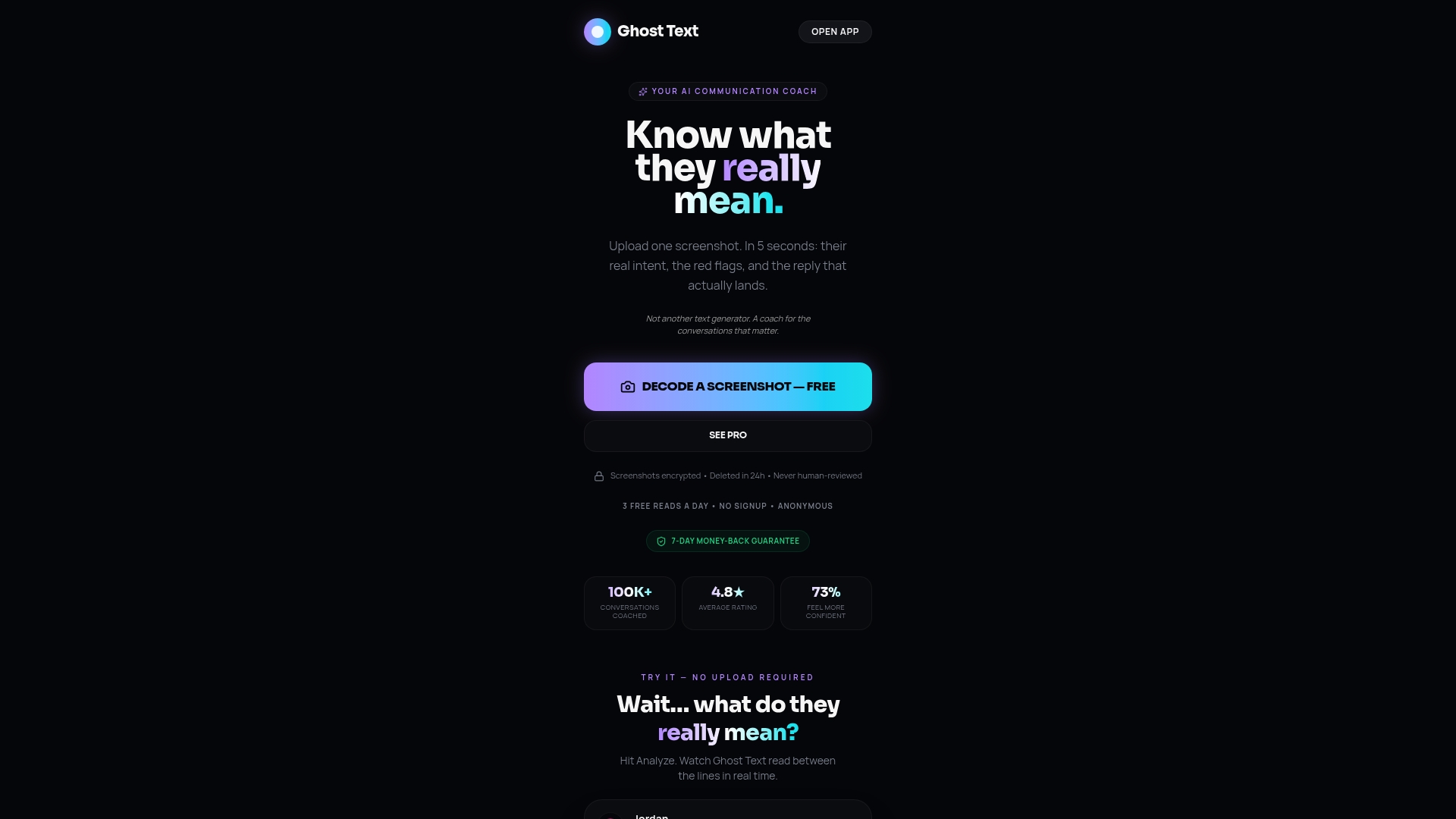
Ghosttextai is an AI-powered communication coach that reads the tone, intent, and emotional signals behind any message before you respond. You paste a conversation or upload a screenshot, and Ghosttextai tells you what is really being said. That insight shapes better replies, whether you are writing them manually or feeding context into an automated system. For anyone serious about communication that actually lands, start with Ghosttextai and stop sending replies that miss the point.
FAQ
What is the ideal length for an automated response?
Automated messages under 20 words perform best on mobile channels like SMS and WhatsApp. Email auto-replies can be longer but should stay focused on acknowledgment, timeline, and next steps.
Do automated SMS messages need opt-out language?
Yes. TCPA regulations require every commercial automated SMS to include a clear opt-out option such as "Reply STOP to opt out." Skipping this exposes senders to legal risk.
How often should I update my automated replies?
Review every active automated message at least once per quarter. Business hours, staff contacts, and response windows change, and an outdated auto-reply damages credibility faster than no reply at all.
What percentage of inquiries should be fully automated?
Approximately 80% of routine inquiries can be fully automated, 15% benefit from human review before sending, and 5% should never receive an automated reply due to sensitivity or complexity.
Why do generic automated replies fail?
Generic auto-replies signal to readers that no one is paying attention. Non-personalized replies train customers to expect nothing from the sender, which reduces engagement and erodes trust over time.