
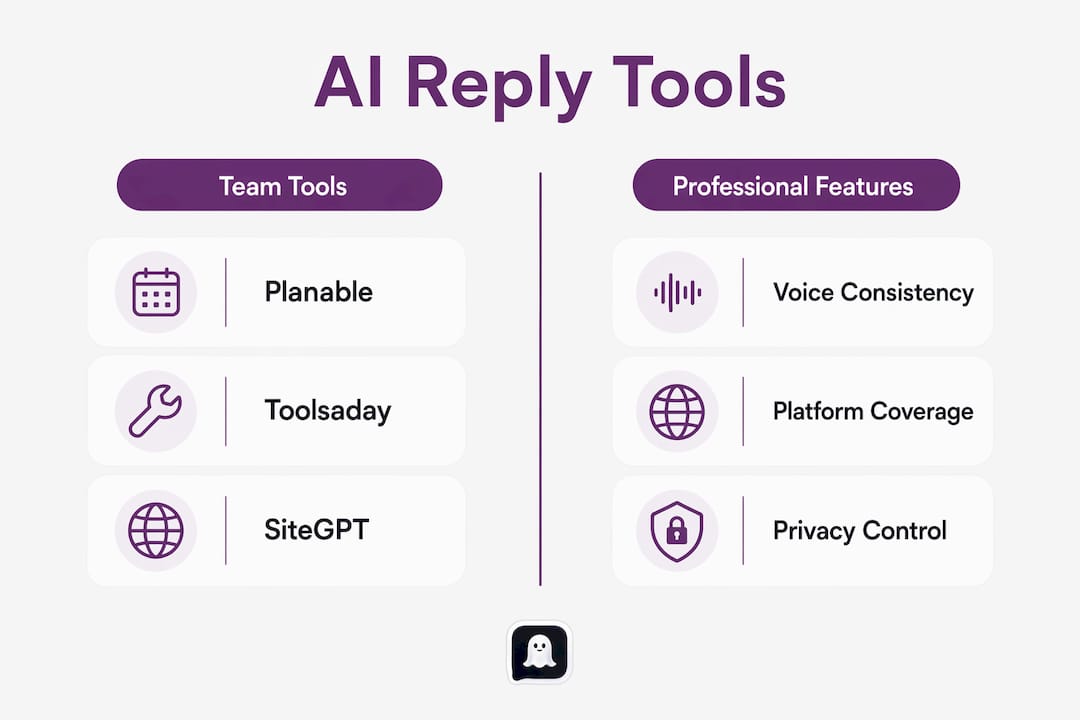
The best AI comment reply generator in 2026 is Planable for social media teams, Toolsaday AI Response Generator for professionals needing quick multi-platform replies, and SiteGPT for anyone running customer support tied to website content. These tools cut the time spent on repetitive replies while keeping your tone consistent across platforms. Pricing ranges from free tiers to subscription plans, so there's a realistic option whether you're a solo creator or managing accounts for clients.
| Tool | Platform Support | Tone Customization | Response Length | Best For | Pricing Model |
|---|---|---|---|---|---|
| Planable | Instagram, Facebook, TikTok, X, LinkedIn, Quora, WhatsApp | Brand voice, professional tone | Short to long | Social media teams, multi-account managers | Free (no login required) |
| SiteGPT | Website chat, customer support channels | Context-aware from site data | Adaptive | Customer support, website-integrated replies | Subscription |
| Toolsaday | Multiple social and messaging platforms | Tone and length settings | Adjustable | Versatile daily reply tasks | Free tier + paid plans |
| Toolsaday AI Response Generator | Social media, messaging platforms | Context-aware, multi-tone | Adjustable | Professionals, creators, quick replies | Free tier + paid plans |
The core benefit these tools share is speed without sacrificing relevance. Rather than copying a post into ChatGPT, switching tabs, and pasting back, a dedicated AI reply tool reads the context in place and generates a draft in seconds. Voice consistency and data privacy are the two factors that separate the better tools from the generic ones.
- Planable generates replies for social comments, DMs, reviews, and Quora answers with no login required.
- SiteGPT pulls context directly from your website to produce replies grounded in your actual content.
- Toolsaday and its dedicated AI Response Generator offer tone and length controls suited to both casual and professional channels.
How do the top AI reply generators actually compare?
The differences between these tools become clearest when you look at what happens after you paste a message. Planable interprets the full dialogue context, not just the last message, so its replies feel like a natural continuation rather than a canned response. It covers the widest channel range of the four, handling everything from Instagram comments to email-style Quora answers, and it requires no account to get started.

SiteGPT takes a different approach entirely. It trains on your website's content, which means its replies stay grounded in what your business actually says rather than generic AI phrasing. For a support team fielding the same product questions daily, that specificity is hard to replicate with a general-purpose tool. The tradeoff is that it works best within a defined content ecosystem rather than across open social platforms.

Toolsaday's browser-based interface makes it accessible without installation, and both its main platform and the dedicated AI Response Generator let you dial in tone and length before generating. The two Toolsaday entries are closely related: the AI Response Generator is a focused sub-tool within the broader Toolsaday suite, optimized specifically for crafting replies rather than general content. For professionals who need to move fast across LinkedIn, Reddit, and customer messaging in the same afternoon, that flexibility matters.
Privacy-conscious users increasingly prefer tools that use a bring-your-own-API-key architecture, where requests travel directly from your browser to the AI provider without passing through the tool developer's servers. None of the four featured tools publicly advertise this model, but it's worth asking any vendor about their data storage practices before committing to a paid plan.
Pro Tip: Before choosing a tool, paste the same message into two or three options and compare the outputs side by side. The one that sounds most like you wrote it, without editing, is the right fit for your workflow.
How to use an AI comment reply generator effectively
Getting good output from any of these tools follows a consistent pattern, regardless of which one you choose.
Start with full context. Paste the entire original post or comment, not just the last line. The more context the tool has, the more specific and relevant the reply. A reply to a three-sentence LinkedIn comment will read very differently from a reply to a one-word "nice!" and the tool needs to see the difference.
Match tone settings to the platform. Casual works on X and Instagram; professional is the right call on LinkedIn. Tools like Toolsaday let you set this explicitly. On platforms where platform-specific tone matters most, a mismatched register can make a reply feel off even if the content is accurate.
Generate multiple variants, then blend. Power users generate two to three versions of the same reply, then manually combine the best elements and add a personal detail or reference. This approach produces replies that read as genuinely human rather than AI-drafted, and it takes less than a minute once you're used to the rhythm. For automated response examples that demonstrate this in practice, the pattern holds across industries.
- Paste the full original post for maximum context.
- Set tone and length before generating, not after.
- Generate two to three variants per reply.
- Add one personal detail or reference before posting.
- Always review before sending, especially in professional contexts.
Pro Tip: For discussion boards and professional forums, the "Agree & Build" structure works well: acknowledge the original point, extend it with a specific example or piece of evidence, then close with a question. AI tools can scaffold this structure; you supply the specific example.
What should you look for when choosing an AI reply tool?
The right tool depends on where you communicate, not just on which one has the most features. A social media manager running five client accounts needs something different from a founder replying to product reviews on a single platform.
Platform coverage is the first filter. Planable covers the broadest range of social channels. SiteGPT is purpose-built for website-integrated support. Toolsaday sits in the middle, handling social and messaging without deep website integration.
Tone and voice alignment matters more than most buyers expect. Generic AI phrasing ("absolutely," "great question," "fascinating") erodes trust quickly, especially in professional settings. Look for tools that let you input your own bio or past replies so the output matches your actual voice. Persona drift, where the AI's default tone gradually replaces your own, is a real risk with tools that don't anchor replies to original context.
Pricing structure affects how you use the tool day to day. Free tiers are useful for testing, but they typically cap daily output. Subscription models make more sense for teams generating replies at volume. Pricing models vary from free tiers with limits to one-time payments or monthly subscriptions, so matching the model to your actual usage pattern prevents overpaying.
Manual review before sending is non-negotiable for professional communications. Auto-reply tools that allow human approval before sending protect your brand's integrity far better than fully automated pipelines. Even a quick scan before posting catches the occasional reply that's technically correct but tonally wrong.
- Does the tool cover every platform you actively use?
- Can you input your own voice profile or past replies?
- Does the pricing model match your reply volume?
- Does the tool require manual approval before sending?
- What does the vendor's privacy policy say about data storage?
For professional networking on LinkedIn specifically, LinkedIn automation tools that integrate AI reply generation can extend these capabilities into outreach workflows, though they require careful setup to avoid violating platform terms.
Expert insights on advanced AI reply features
The gap between a basic AI reply tool and a well-configured one comes down to a few specific capabilities that most buyers overlook during evaluation.
Voice consistency mechanisms are the clearest differentiator at the advanced level. Tools that analyze your existing reply history and model your tone produce outputs that hold up across hundreds of replies without drifting toward generic phrasing. This is distinct from simply setting a "professional" or "casual" toggle. Voice consistency works by studying how you've been replying and replicating that specific register, not a category of register.
Priority queuing separates high-value comments from the long tail. Press mentions, sponsor questions, and engaged community members warrant a personal reply; a generic "thanks for watching" comment does not. Tools that surface these categories separately let you spend your manual review time where it actually moves the needle.
Evidence-backed replies matter in professional forums and discussion boards. Real-time web search integration in top-tier tools grounds replies in current information rather than the AI's training data, which is the difference between a reply that adds credibility and one that sounds plausible but vague.
- Treat AI as a drafting assistant, not a replacement for judgment.
- Reference the original post explicitly in your reply to avoid generic output.
- Use priority queuing to protect your manual review time.
- For professional forums, generate evidence-backed replies using tools with web search integration.
- Never auto-send without a review step in any context where your professional reputation is at stake.
- AI reply generator alternatives that operate as browser extensions offer a faster in-platform workflow than web dashboards for high-volume social use.
Key Takeaways
The most effective AI reply tools in 2026 combine platform-specific tone control, voice consistency, and a manual review step before sending.
| Point | Details |
|---|---|
| Best tool by use case | Planable leads for social teams; SiteGPT fits customer support; Toolsaday suits versatile daily use. |
| Voice consistency | Tools that analyze your reply history produce outputs that stay on-brand without persona drift. |
| Privacy consideration | Bring-your-own-API-key architecture keeps your data out of third-party servers. |
| Manual review matters | Always approve AI drafts before sending in professional contexts to protect your brand. |
| Ghosttextai alternative | Ghosttextai analyzes conversation tone and intent before you reply, adding a layer of context the reply generators above skip. |
Ghosttextai reads the conversation before you reply
Most AI reply tools hand you a draft the moment you paste a message. What they skip is the step that actually determines whether your reply lands: understanding what the original message really means before you write back.
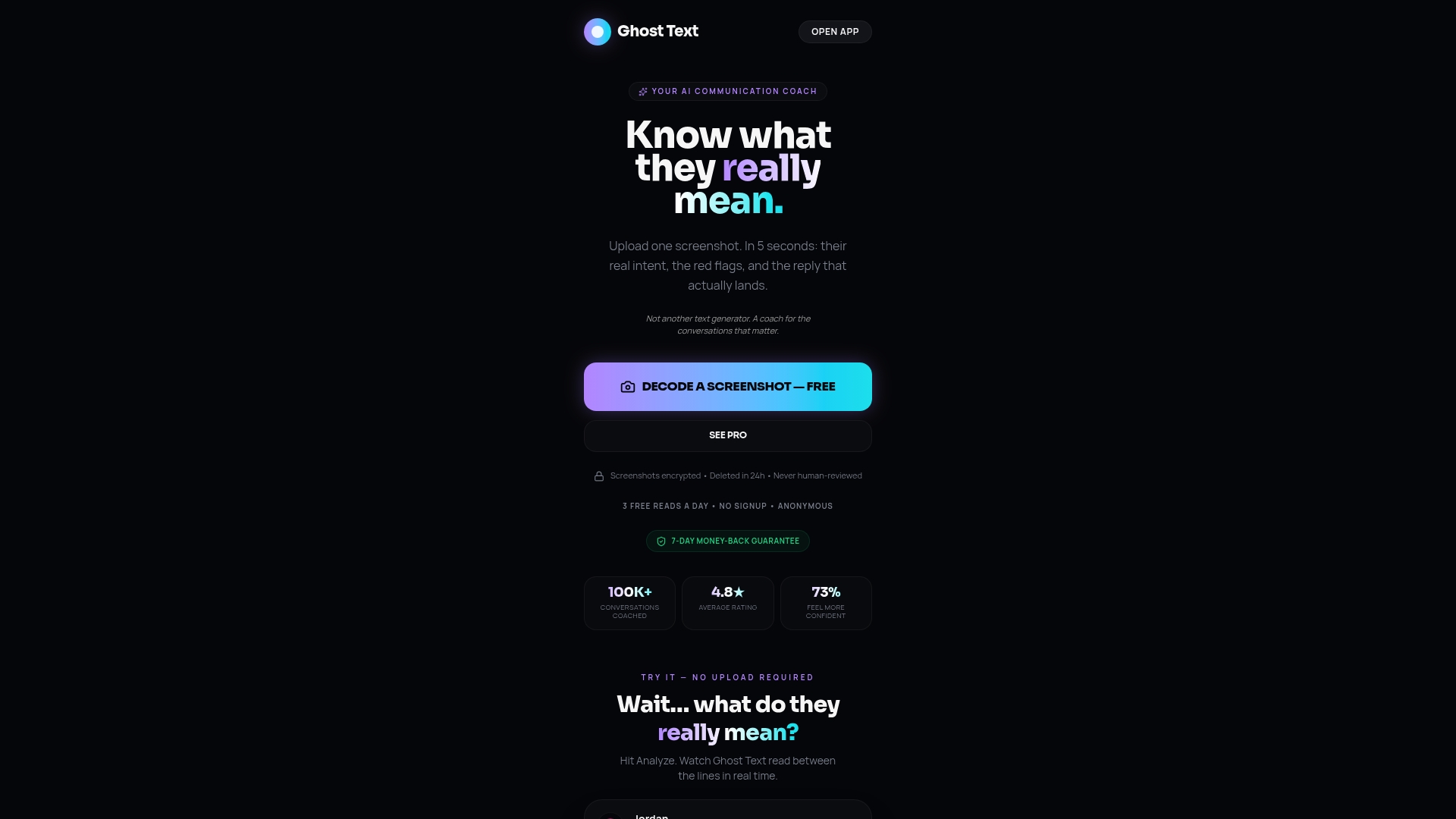
Ghosttextai takes a different approach. Paste a conversation or upload a screenshot, and it surfaces the tone, intent, emotional signals, and any red flags in the message before suggesting a reply. That context layer is what separates a reply that fits the situation from one that's technically correct but misses the point. For dating, professional negotiations, or any conversation where the subtext matters as much as the text, that analysis changes how you respond.
The Ghost Text platform runs on a freemium model, with a free tier for basic reads and Ghost Text Pro unlocking unlimited analysis, advanced red flag detection, and premium reply personas. If the tools above help you reply faster, Ghosttextai helps you reply smarter.