
Ghosttextai is the clearest recommendation for anyone who wants an AI-powered personal communication coach. Upload a screenshot or paste a thread, and it surfaces tone, intent, red flags, and suggested replies in seconds. No guessing. No rereading the same message twelve times trying to figure out what they actually meant.
TL;DR:
- Best for: Personal coaching across dating, friendships, family, and professional texting
- Top features: Tone and intent detection, red-flag alerts, interest meter, persona-driven reply suggestions
- Privacy stance: Local-processing options with explicit data controls
- Action: Try the free tier at Ghosttextai or read on to understand what to look for before you commit
Research from the Tufts Human Interaction Laboratory confirms that even sophisticated automated transcription tools treat their outputs as first drafts requiring human review. That framing applies here too. The best apps for analyzing conversations give you a strong starting point. What you do with it is still yours.
Table of Contents
- What should you look for in a conversation analysis app?
- Where automated conversation analysis falls short
- How Ghosttextai meets every criterion on that checklist
- How to analyze a conversation and turn the results into a reply
- When you should stop relying on the app and talk to a person
- Key Takeaways
- AI coaching works best when you stay in the driver's seat
- Ghosttextai gives you clarity without the guesswork
- Useful sources
What should you look for in a conversation analysis app?
The difference between a useful tool and a frustrating one usually comes down to five things.
- Input types: Can it handle screenshots, pasted text, and chat exports from WhatsApp, iMessage, or Messenger? Because WhatsApp uses end-to-end encryption, direct API access is blocked, so screenshot and export workflows are the practical standard.
- Analysis depth: Look for tone detection, intent classification, emotion trends, red-flag detection, and reply generation. A tool that only counts message frequency misses the point entirely.
- Interactional structure: Does it flag overlaps, silences, or response delays, or does it flatten everything into a generic summary? Tools like Convo-Max show why preserving timing and uncertainty matters.
- Privacy and data handling: On-device processing keeps raw messages off third-party servers. Verify whether the app processes locally or sends data to the cloud, and check its deletion policy before uploading anything sensitive.
- Usability and scalability: Fast imports, a clean interface, and coaching personas that match your scenario (dating vs. professional) save real time. For large chat histories, look for apps that use stream parsing and incremental indexing to avoid slow or crashed imports.
Pro Tip: Prioritize apps that let you review and correct automated annotations before acting on them. An AI that flags something as hostile when it was sarcastic can cause real damage if you take it at face value.
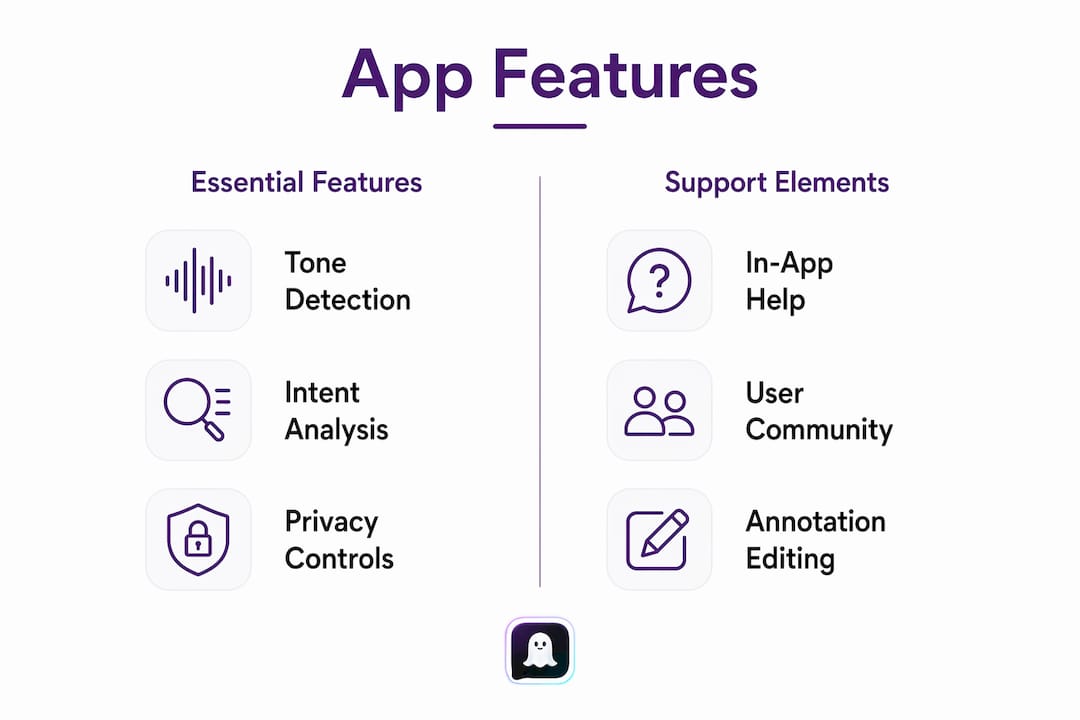
Support resources matter too. In-app documentation, active user communities, and responsive help channels separate polished products from abandoned side projects.

Where automated conversation analysis falls short
Automated analyzers are useful for spotting patterns, but they are not reliable judges of intent. That distinction has measurable consequences.
The most common failure modes are sarcasm, laughter, overlapping speech, long silences, and culturally specific phrasing. These are not edge cases. They show up in almost every real conversation.
The numbers are striking. Benchmarks on conversation-focused transcription show accuracy dropping from 95.5% in clean two-speaker audio to 72.7% during overlapping speech, a degradation of approximately 23 percentage points, with deletion rates climbing sharply in those same regions.
Accuracy drop during overlapping speech: from 95.5% to 72.7% in benchmarked transcription tests. Deletion rates rise in the same regions. Treat any AI output covering a heated or fast-moving exchange with extra skepticism.
Models trained on generic datasets can also misread culturally specific phrasing or minority dialects. Before trusting an app with sensitive threads, check whether the developer publishes information about model evaluation and bias testing.
Privacy cautions apply regardless of how good the analysis is. Confirm whether processing happens locally or in the cloud. Confirm whether raw conversation logs are stored after analysis. And get consent before analyzing messages that involve another person's private communications.
Pro Tip: Use automated analysis as a first draft. Pair it with your own reading of context and, for anything high-stakes, a second human perspective before you act.
How Ghosttextai meets every criterion on that checklist
Ghosttextai was built specifically for the personal coaching use case. That focus shows in the feature set.
Core analysis features:
- Tone and intent detection: Labels the emotional register and likely purpose behind messages, not just the surface words
- Interest meter: Tracks engagement signals across a thread to show whether interest is rising or fading
- Red-flag detection: Alerts you to coercive patterns, mixed signals, or language that warrants caution
- Emotion trends: Maps how the emotional tone of a conversation shifts over time
- Persona-driven reply suggestions: Generates contextually tailored responses with tone and style options for dating, friendship, family, or professional scenarios
Input support: Screenshots and pasted conversations, covering the workflows that encrypted messaging platforms require.
Privacy and security: Ghosttextai offers local-processing options and explicit data-deletion controls. Check the privacy page before uploading anything you consider sensitive.
Usability: Results come back fast for single threads. The interface is clean enough that you do not need a tutorial to get started.
| Plan | What you get |
|---|---|
| Free tier | Limited reads, core tone and intent analysis, basic reply suggestions |
| Ghost Text Pro | Unlimited reads, advanced red-flag detection, interest meter, premium personas, enhanced reply generation |
For readers who want to compare AI communication tool alternatives before deciding, the blog covers the tradeoffs in detail. If reply generation is your primary need, the AI reply generator comparison is worth a look too.
How to analyze a conversation and turn the results into a reply
The whole workflow takes a few minutes once you know the steps.
- Pick the conversation you want to analyze and decide whether you will screenshot it or paste the text directly.
- Select your analysis persona: dating, professional, neutral, or another available option. This shapes how the AI interprets tone and generates suggestions.
- Import the conversation and run the analysis.
- Review flagged items: tone labels, intent classifications, and any red-flag alerts. Do not skip this step.
- Correct misannotations. If the AI flagged sarcasm as hostility or missed a cultural reference, adjust before you draw conclusions.
- Use the reply suggestions as a starting draft. Pick the tone and style that fits, then edit.
- Send or save your draft. Single threads typically return results in seconds. Larger batch imports take longer, so run those when you have a few minutes to spare.
Pro Tip: When drafting a sensitive reply, use the AI suggestion as your structure but add one sentence in your own voice. It keeps the message feeling like you, not a template.
When you should stop relying on the app and talk to a person
Certain situations are outside what any automated tool should handle alone.
Watch for these signals:
- Explicit threats or language suggesting physical danger
- Repeated coercive patterns across multiple threads, not just a single heated exchange
- Rapidly escalating language that suggests a situation is deteriorating fast
- Content that could constitute legal evidence, such as harassment or abuse documentation
If you see any of these, stop messaging and seek human help. For domestic violence concerns, contact the National Domestic Violence Hotline at 1-800-799-7233. For mental-health crises, the 988 Suicide and Crisis Lifeline is available by call or text. For legal evidence questions, consult an attorney before doing anything with the conversation record. AI outputs are not admissible evidence and should never be treated as such.
Key Takeaways
Ghosttextai is the strongest choice for personal AI conversation coaching because it combines tone detection, red-flag alerts, and persona-driven reply suggestions in a privacy-conscious package.
| Point | Details |
|---|---|
| Top recommendation | Ghosttextai covers tone, intent, red flags, and reply generation for dating, work, and personal threads. |
| Privacy first | Confirm local-processing options and deletion policies before uploading sensitive conversations to any app. |
| Accuracy limits | Automated tools lose significant accuracy during overlapping or fast-moving exchanges; always review outputs before acting. |
| Know when to stop | Threats, coercion, legal evidence, or safety concerns require human judgment, not an AI coach. |
| Try Ghosttextai | The free tier covers core analysis; Ghost Text Pro unlocks unlimited reads, advanced red-flag detection, and premium personas. |
AI coaching works best when you stay in the driver's seat
Most people who start using conversation analysis tools make the same mistake: they treat the first output as a verdict. The AI says "low interest" and they spiral. It flags "red flag" and they end a relationship. That is not coaching. That is outsourcing your judgment to a model that has never met the person you are texting.
The smarter approach is to use these tools the way a good editor uses a spell-checker. It catches things you missed. It surfaces patterns you were too close to see. But you still decide what the message means and what you want to say back. Start with one thread, not your entire message history. Read the analysis, then read the conversation again yourself. Notice where the AI's read matches your gut and where it does not. That gap is where the real learning happens.
Weekly trend checks are more useful than daily obsessing. Run an analysis, note the patterns, then put the phone down and have the actual conversation.
Ghosttextai gives you clarity without the guesswork
If you have been rereading the same text for twenty minutes trying to figure out what it means, that is exactly the problem Ghosttextai was built to solve. Paste the conversation or upload a screenshot, pick your scenario, and get a clear read on tone, intent, and what to say next in under a minute.
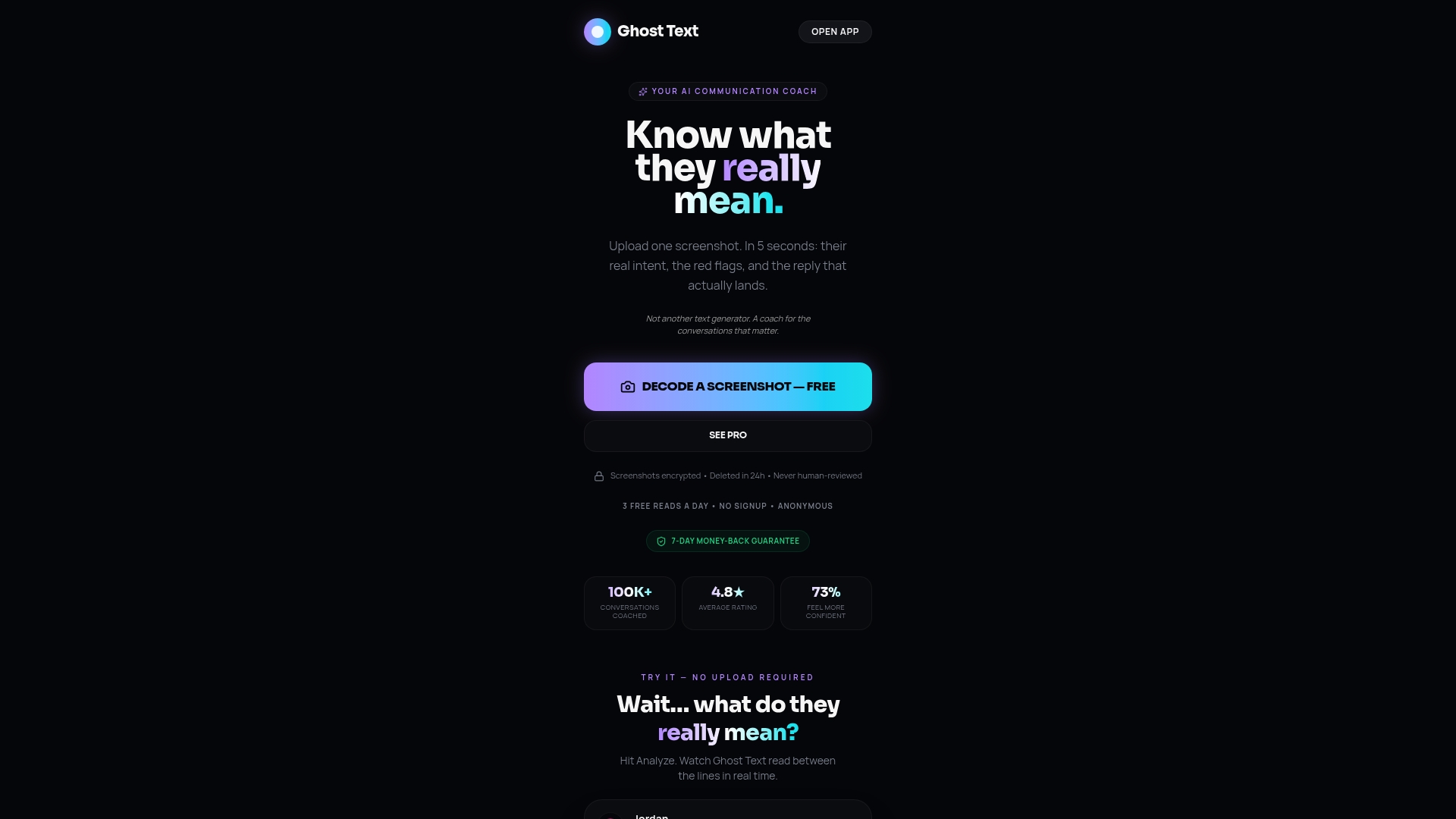
The free tier is a real starting point, not a teaser. You get core tone and intent analysis plus basic reply suggestions with no credit card required. Ghost Text Pro adds unlimited reads, advanced red-flag detection, the interest meter, and premium coaching personas for dating, professional, and personal scenarios. Data controls are explicit: local-processing options and clear deletion policies ensure your private threads stay private.
Try Ghosttextai free and run your first analysis today.
Useful sources
- GailBot: Automatic Transcription for Conversation Analysis — Tufts Human Interaction Laboratory research on paralinguistic markers and human-in-the-loop workflows
- Convo-Max by Noah Ratzan — research tool preserving interactional structure and flagging overlap regions; source for the accuracy benchmark cited above
- ConvoKit 4.1.2 documentation — Cornell's open-source toolkit for extracting conversational features and analyzing social phenomena at scale
- WhatsApp privacy and encryption — explains end-to-end encryption and why screenshot or export workflows are standard for third-party analysis
- Ghosttextai blog: AI chat analyzer software — deeper reading on technical approaches and tradeoffs across conversation analysis tools